
 Transaction Account
 Savings Accounts
 Term Deposits
 Internet Banking
 Mobile Banking App
 Find a Branch
 Bank@Post
 Overseas Transfer / Currency
 ATMs
ATMs eStatements
Click to Pay is now available
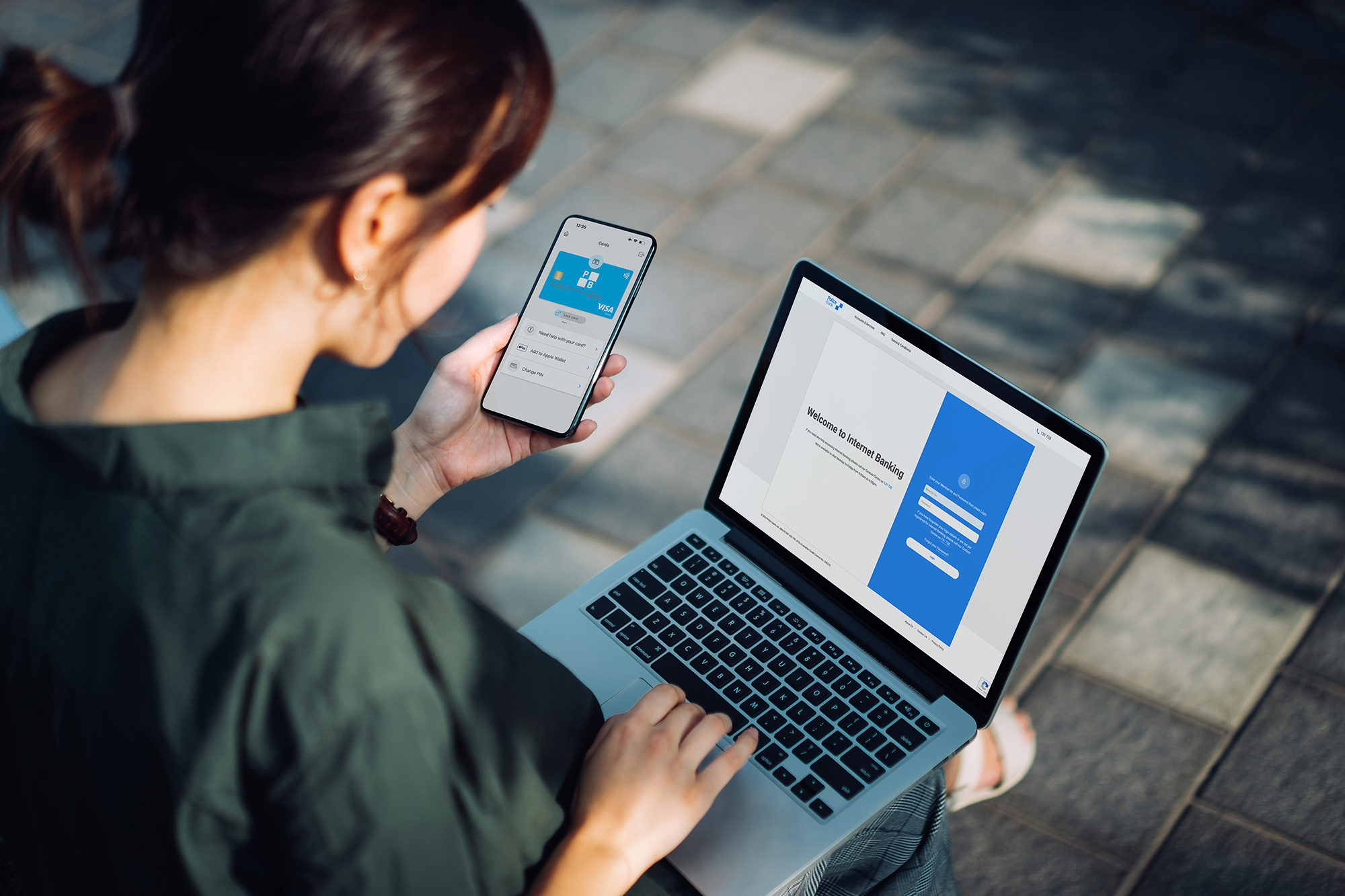
A faster, easier and more secure way to pay online
Shopping online just got easier.
With Click to Pay, you can check out online without having to enter your card details every time you make a purchase. Simply look for the Click to Pay icon at participating online stores and use your eligible Visa card for a quicker checkout experience.

Why use Click to Pay?
- Fast – Skip entering your card number, expiry date and security code every time you shop.
- Convenient – Shop online across participating retailers using your eligible Visa card.
- Secure – Your card details are protected using advanced security technology.
- Simple – Use your email address or mobile number to securely access your card at checkout.
How it works
Using Click to Pay is simple.
Step 1: Shop online and look for the Click to Pay icon at checkout.
Step 2: Enter your email address or mobile number.
Step 3: Complete any required verification step, such as a one-time code.
Step 4: Select your eligible Visa card and complete your purchase.
How do I know if a retailer accepts Click to Pay?
Look for the Click to Pay icon when checking out online.
Click to Pay is available at participating online retailers and can be used on supported websites and apps. More merchants are continuing to adopt Click to Pay, so you’ll see it at an increasing number of online checkouts.
FAQ
Click to Pay is a secure online checkout solution that lets you pay online without entering your card details every time you shop.
Eligible Visa cards may be automatically enrolled and ready to use. When shopping online at participating retailers, simply look for the Click to Pay option at checkout.
Click to Pay is available on eligible Police Bank Visa Debit and Visa Credit Cards.
Yes. Click to Pay uses security features including tokenisation and a one-time code to help protect your card information. Your card number is not shared directly with the retailer.
You may be asked to complete an additional verification step, such as entering a one-time code, when making a purchase using Click to Pay. This helps protect your account and reduce the risk of unauthorised transactions.
No. There are no additional fees to use Click to Pay. Normal card fees and charges may still apply.
Yes. Using Click to Pay is optional. You can continue to enter your card details manually when shopping online if you prefer.
Eligible replacement and renewed cards will continue to work with Click to Pay.
You can use Click to Pay at online retailers that display the Click to Pay icon during checkout.
Click to Pay will only appear at participating online retailers where the payment option is available.
Yes. If you’d like to opt out of Click to Pay, please contact our Member Experience Team on 131 728 between 8am and 6pm, Monday to Friday (AEST/AEDT) or visit a branch and we’ll help you through the process.
Important Information
The Click to Pay icon is a trademark owned by and used with permission of EMVCo, LLC.